



Tesla is increasingly focused on self-driving and robotaxi-style ride-hailing. It showcased its dedicated “Cybercab” concept and has discussed expanding robotaxi efforts and city coverage over time.
If you have hearing loss—or you wear hearing aids—this shift could be a real quality-of-life upgrade: fewer awkward conversations, clearer pickup flows, and a ride experience that can be more visual and app-driven.
But there’s an important nuance: Tesla’s current “Full Self-Driving (Supervised)” requires active driver supervision and does not make the vehicle autonomous, per Tesla’s own documentation. That matters for safety expectations, accessibility planning, and what you should rely on during a ride.
This guide focuses on practical, real-world tips for riders with hearing loss—whether you’re using Tesla ride-hailing (as it rolls out in different markets) or riding in a Tesla that’s using driver-assistance features.
What’s different about Tesla’s approach (and why it matters for hearing loss)
Visual-first is your friend
In a robotaxi-style experience, many instructions and confirmations can be delivered via:
- app notifications
- on-screen prompts
- in-car displays
That’s ideal for people who rely on visual cues.
Don’t assume “fully driverless”
Tesla’s current public framing includes plans for robotaxis, but the widely available system today is labeled “Supervised,” meaning a human must remain attentive.
So from a rider standpoint, you should plan for:
- a human operator or safety monitor in some deployments, depending on location and regulatory status
- safety communication that may involve either the app/on-screen UI and/or a person
Before you ride: set up accessibility so you don’t miss key alerts
1) Make your phone notifications impossible to miss
Because pickup and safety prompts often start on your phone:
- turn on vibration for notifications
- enable flash/LED alerts (if you use them)
- increase text size and contrast
- keep your phone unlocked and visible at pickup
Goal: you’re not depending on a chime you might not hear.
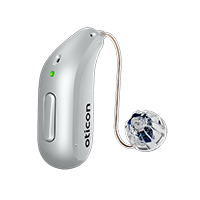
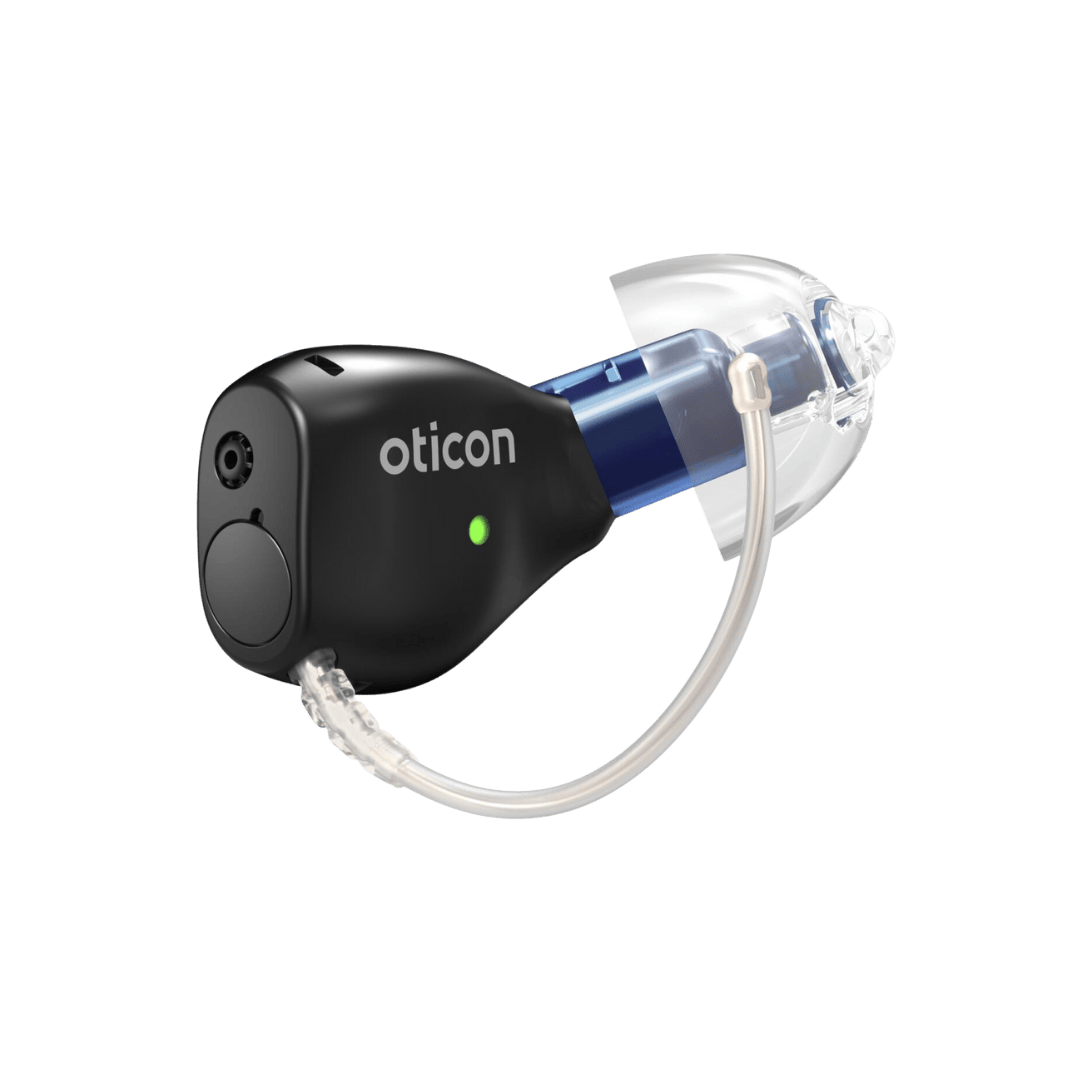
2) Put hearing aids in your “stable” listening mode
If you have multiple programs:
- start in your everyday program
- if road noise bothers you, switch to a comfort-in-noise program
- if Bluetooth streaming sometimes “takes over,” keep streaming off until you’re settled in the ride
3) Pre-plan pickup like an airport pickup
Pickup is where hearing loss creates the most friction (in any rideshare/robotaxi):
- choose a bright, uncrowded pickup point
- avoid areas with many similar vehicles
- watch the app and be ready to walk 10–30 feet if the pickup pin shifts
Pickup: how to confirm it’s your car without relying on hearing
Use “three-point confirmation”
- App confirmation (your primary source of truth)
- Vehicle identity (plate/model details the app provides)
- Unlock/start prompt (only approach/enter when the app indicates it’s ready)
If something doesn’t match, step back and re-check the app rather than guessing.
During the ride: tips that reduce stress and increase safety
1) Treat screens as the “audio”
If you can’t hear prompts reliably, your habit should be:
- glance at the app or in-car display when anything changes (stops, reroutes, unexpected pauses)
2) Manage listening fatigue in cars
Hearing aid users often struggle with:
- low-frequency road noise
- intermittent wind noise
- sudden high-pitched alerts
Quick fixes:
- lower volume 1–2 steps
- try your comfort-in-noise program
- consider a dome/mold fit adjustment if road noise is constantly overwhelming (this is very fixable)
3) Streaming audio: keep it simple
If you stream music/podcasts:
- keep volume low enough to stay oriented
- consider streaming to one ear only if that’s comfortable
Safety planning: what to do if you miss an alert or feel uncertain
If you don’t hear an alert
- check the app first
- then check any on-screen in-car prompts
- if there’s a human operator/safety monitor present, use clear, simple communication:
- “I have hearing loss—please show me any instructions on the screen.”
If you need support
Whenever possible, prefer in-app chat/text support over phone-only support.
If a phone call is required, use:
- live captions on your phone
- speaker + captions in a quiet spot
If you feel unsafe or confused
Your priorities are clarity and control:
- pause, check the app/in-car prompts
- contact support through the app
- if exiting is appropriate and safe, do so in a well-lit public area
Hearing aids + Tesla rides: common problems and quick fixes
“My hearing aids started whistling in the car”
Usually a seal/fit issue:
- dome slightly loose
- earmold needs adjustment
- feedback calibration needed
A quick clinic check often solves it.
“My own voice sounds boomy or echo-y”
Often related to:
- venting/fit
- too much low-frequency amplification
- temporary ear pressure changes from allergies/congestion
Fixable with a small programming tweak.
“I’m exhausted after rides”
That’s listening fatigue. Ask your audiologist for a car/road-noise program tuned for your hearing loss.
FAQ
Is Tesla currently fully driverless?
Tesla’s “Full Self-Driving (Supervised)” is explicitly described by Tesla as requiring active driver supervision and not making the vehicle autonomous.
What’s the biggest challenge for riders with hearing loss?
Pickup confirmation and missed notifications. Make your phone alerts visual/vibration-based and rely on the app for identity confirmation.
Should I turn off my hearing aids in a Tesla ride?
Usually no. If road noise is uncomfortable, use a comfort program or reduce volume slightly. If you ride a lot, a car-specific program helps.