

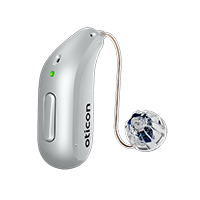
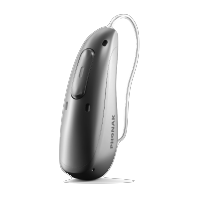
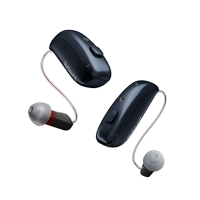
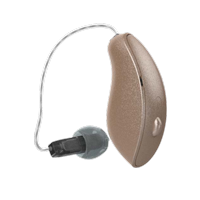
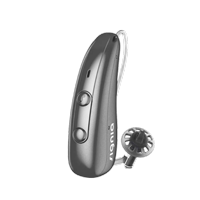
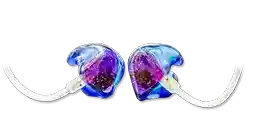

For a long time, people had to choose: small and discreet or fully connected.
Oticon Zeal changes that. Despite its ultra-discreet in-the-ear design, it’s built to deliver modern connectivity—Bluetooth LE Audio, Auracast™ public audio, and even tap controls—without turning your hearing aids into something bulky.
If you’re new to Zeal, these quick reads help:
- Discreet NXT form factor overview: https://calhearing.com/oticon-zeal-nxt-invisible-hearing-aids/
- BrainHearing™ + AI processing: https://calhearing.com/oticon-zeal-brainhearing-ai/
- Durability + IP68 encapsulation: https://calhearing.com/oticon-zeal-durability-encapsulation-ip68/
The 3-in-1 antenna: when the “removal string” becomes the wireless upgrade
Here’s the clever part: Zeal’s stable connectivity isn’t an accident—it’s engineered.
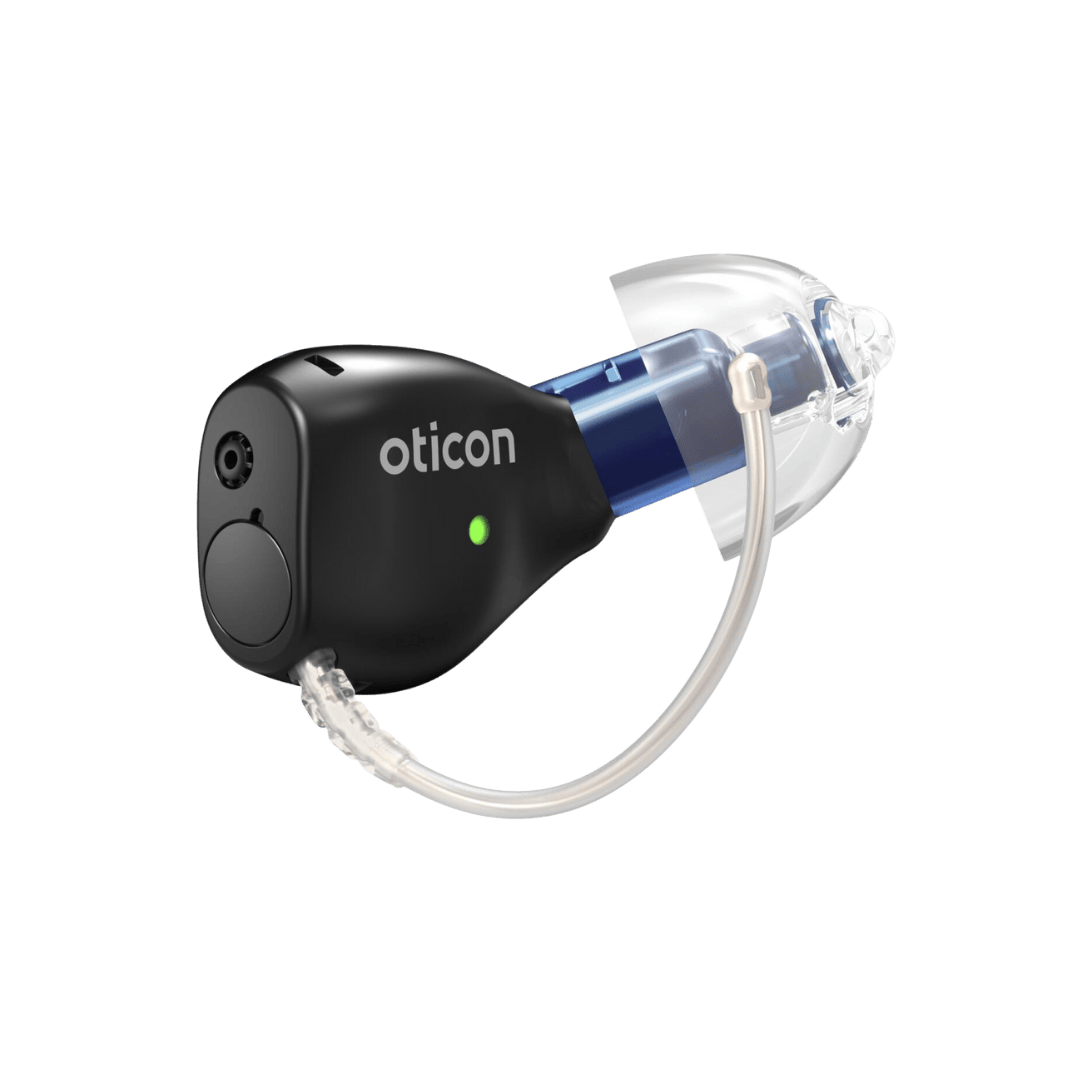
Oticon uses a skin-coupling antenna design that also functions as:
- the extraction/removal cord,
- a retention element, and
- a high-performance wireless antenna that wraps naturally around the outer ear for stronger, more reliable signal.
Why this matters for “Bluetooth hearing aids” searches:
Tiny in-ear devices typically struggle with antenna space. Zeal turns a necessity (the pull-out cord) into the connectivity solution—so you get a more stable connection without making the device bigger.
Auracast™ compatibility: public audio streaming, finally made simple
Auracast is one of the biggest shifts in hearing accessibility in years: it allows compatible venues to broadcast audio (announcements, show audio, lectures) directly to compatible devices.
Oticon Zeal is positioned as Auracast-ready, and Oticon specifically calls out the ability to hear announcements or shows in public venues.
How patients connect (high-level)
Oticon provides an Auracast guide that explains you can connect using the Oticon Companion app (on supported iOS/Android devices), and the app itself references Auracast use cases like airports and theaters.
Practical examples of “Auracast public audio”
- Airport gate announcements
- Theater audio feeds
- Lectures / presentations
- Public TVs (waiting rooms, gyms)
Auracast info is also described by the Bluetooth SIG as being designed for public locations and shared listening environments.
Tap controls: answer calls with a double-tap on your ear
Zeal includes tap control (supported via built-in sensing) to make common actions more discreet—like answering a phone call with a double-tap. Oticon’s own hands-free calling support documentation explicitly notes you can answer by “double tap” on hearing aids that support it, and Zeal materials highlight optimized tap control as part of the platform.
Why people love this:
If your phone is in a pocket/bag, you can keep the moment natural—especially in meetings, restaurants, or while driving.
Why Bluetooth LE Audio is a big deal (even beyond streaming)
Bluetooth LE Audio isn’t just “Bluetooth, but newer.” It’s designed to support:
- more modern, efficient audio streaming
- next-gen features like Auracast
- improved device interoperability (over time, as phones/venues adopt it)
Oticon describes Zeal as supporting hands-free calling with Bluetooth LE Audio and Auracast connections in public places.
Quick FAQs (SEO-friendly)
Are Bluetooth hearing aids usually this small?
Historically, full connectivity was uncommon in very small in-ear designs—Zeal is specifically positioned as bringing “uncompromising connectivity” to this discreet category via its antenna approach.
Do I need a special app for Auracast?
Often, yes. Oticon provides guidance for connecting to Auracast broadcasts using the Oticon Companion app on supported devices.
Where will Auracast be available?
Auracast is intended for public locations that deploy compatible broadcast transmitters (venues will vary by city and rollout).
Want discreet hearing aids and modern connectivity (Bluetooth + Auracast)?
We can help you confirm fit, review your phone compatibility, and show you how Auracast and tap controls work in real life.
Contact California Hearing Center: https://calhearing.com/contact/
Call: 650-342-9449