

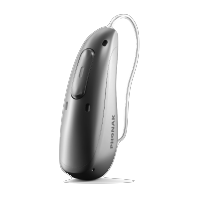
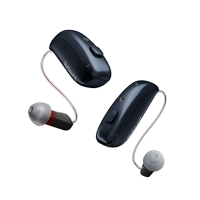
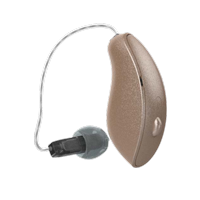
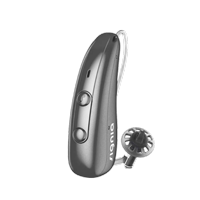



Modern hearing aids have revolutionized the way people with hearing loss connect with the world around them. One of the most significant advances in hearing aid technology is the ability to seamlessly pair with smartphones, opening up a world of convenience, control, and enhanced audio experiences. This comprehensive guide will walk you through everything you need to know about connecting your hearing aids to your smartphone, utilizing helpful apps, and troubleshooting common issues.
Understanding Hearing Aid and Smartphone Compatibility
Today’s digital hearing aids are designed with Bluetooth connectivity in mind, making them compatible with both Android and iOS devices. The integration between hearing aids and smartphones has created opportunities for users to stream phone calls, music, podcasts, and other audio directly to their devices. This technology, often called Made for iPhone (MFi) or Made for Android, ensures optimal compatibility and sound quality.
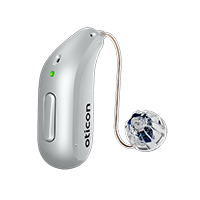
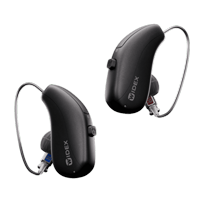
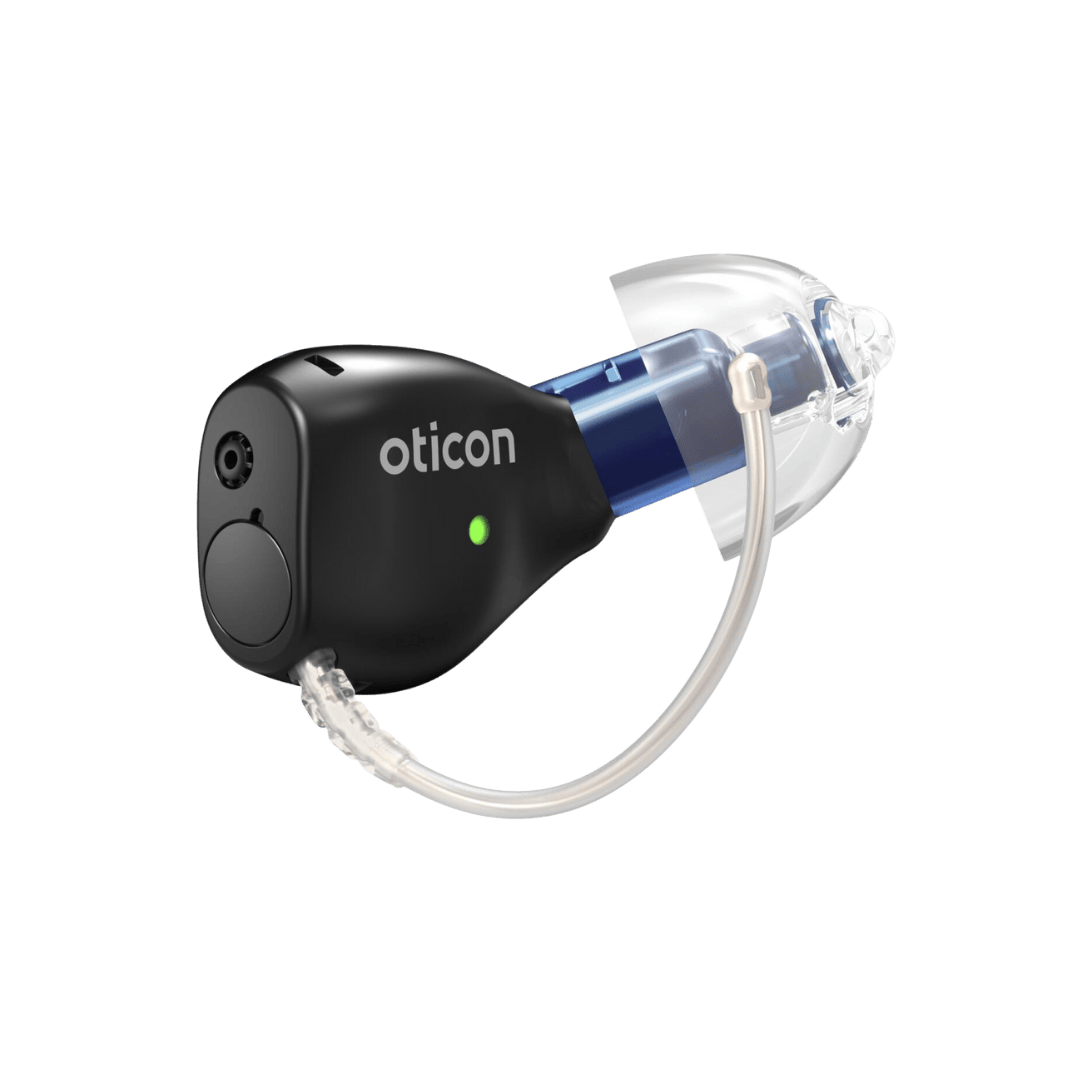
Most modern hearing aid manufacturers, including Phonak, ReSound, Oticon, and Widex, offer smartphone-compatible models. These devices use low-energy Bluetooth protocols specifically designed for hearing aids, which helps preserve battery life while maintaining high-quality audio streaming.
Step-by-Step Guide to Pairing Your Hearing Aids
Pairing your hearing aids with smartphones is typically a straightforward process, though the exact steps may vary depending on your device model and smartphone type.
For iOS Devices (iPhone/iPad)
- Ensure your hearing aids are turned on and within range of your iPhone
- Open Settings on your iPhone
- Navigate to Accessibility > Hearing Devices
- Your iPhone will search for available hearing aids
- Select your hearing aids from the list when they appear
- Follow the on-screen prompts to complete the pairing process
- Test the connection by making a phone call or playing audio
For Android Devices
- Turn on your hearing aids and ensure they’re in pairing mode
- Open Settings on your Android device
- Select Connected Devices or Bluetooth & Device Connection
- Tap “Pair New Device” or the “+” symbol
- Select your hearing aids from the available devices list
- Complete the pairing process as prompted
- Download your hearing aid manufacturer’s app for full functionality
Essential Hearing Aid Apps and Their Features
Smartphone apps have transformed hearing aid control and customization. These applications offer users unprecedented control over their hearing experience, allowing for real-time adjustments and personalized settings.
Popular Hearing Aid Apps Include:
- Phonak myPhonak – Offers remote control, program switching, and hearing diary features
- ReSound Smart 3D – Provides sound adjustment, location-based settings, and tinnitus relief sounds
- Oticon ON – Features HearingFitness tracking and personalized sound adjustments
- Widex MOMENT – Includes AI-powered sound optimization and battery monitoring
- Starkey Thrive – Offers health tracking integration and fall detection capabilities
Key App Features to Look For:
- Volume and program control
- Equalizer settings for different environments
- Battery level monitoring
- Find My Hearing Aid functionality
- Streaming preferences and audio routing
- Tinnitus management tools
- Remote fine-tuning capabilities
Maximizing Your Smartphone and Hearing Aid Experience
Once your devices are paired, you can take advantage of numerous features that enhance your daily communication and entertainment experiences. Audio streaming allows you to enjoy crystal-clear phone conversations, music, and media directly through your hearing aids. Many users report improved speech understanding during phone calls when audio is streamed directly to their devices.
Location-based programming is another valuable feature that automatically adjusts your hearing aid settings based on your GPS location. For example, your devices can automatically switch to a restaurant program when you arrive at your favorite dining spot, or activate a quiet program when you’re at the library.
Common Troubleshooting Issues and Solutions
While hearing aid and smartphone connectivity is generally reliable, occasional issues may arise. Here are solutions to the most common hearing aid connectivity problems:
Connection Problems
- Issue: Hearing aids won’t pair with smartphone
- Solution: Restart both devices, ensure hearing aids are in pairing mode, and check Bluetooth is enabled
- Issue: Frequent disconnections
- Solution: Keep devices within recommended range (typically 30 feet), update app software, and check for interference from other devices
Audio Quality Issues
- Issue: Poor sound quality during streaming
- Solution: Adjust streaming volume separately from hearing aid volume, check for app updates, and ensure proper hearing aid positioning
- Issue: Delayed audio or lip-sync problems
- Solution: Close unnecessary apps running in background, restart both devices, and check for software updates
Battery and Performance Issues
- Issue: Rapid battery drain
- Solution: Monitor streaming usage, adjust connection timeout settings, and ensure you’re using fresh batteries or fully charged rechargeable units
- Issue: App crashes or freezes
- Solution: Force close and restart the app, clear app cache, or reinstall the application
Advanced Features and Future Technologies
The integration of artificial intelligence and machine learning in hearing aid apps continues to evolve. Many modern applications can learn from your preferences and automatically adjust settings based on your listening environments and habits. Some advanced features include:
- Voice assistant integration (Siri, Google Assistant, Alexa)
- Real-time language translation
- Health and fitness tracking through hearing aids
- Fall detection and emergency alerts
- Integration with smart home devices
Professional Support and Services at Cal Hearing
While smartphone connectivity has made hearing aids more user-friendly, professional support remains crucial for optimal results. At Cal Hearing, we provide comprehensive hearing care services to ensure you get the most from your hearing aid and smartphone integration.
Our expert audiologists offer:
- Comprehensive Hearing Testing – Professional evaluations to determine your specific hearing needs and smartphone compatibility requirements
- Expert Hearing Aid Fitting – Precise fitting and programming to optimize both in-person and smartphone-connected experiences
- Tinnitus Therapy – Specialized treatment that can be enhanced through smartphone app integration
- Custom Hearing Protection – Protecting your hearing in noisy environments while maintaining smartphone connectivity
- Hearing Aid Repairs – Professional maintenance to keep your devices functioning properly with your smartphone
Our team serves multiple locations throughout California, and you can learn more about the areas we serve on our website. We’re committed to helping you navigate the exciting world of connected hearing technology.
Tips for Optimal Performance
To ensure the best possible experience with your smartphone-connected hearing aids, consider these professional recommendations:
- Keep your hearing aid apps updated to the latest versions
- Regularly clean your hearing aids to maintain optimal Bluetooth connectivity
- Monitor battery levels and replace or recharge as needed
- Practice using different app features in various listening environments
- Schedule regular follow-up appointments with your audiologist for fine-tuning
- Keep your smartphone’s operating system updated for compatibility
- Learn to use voice commands for hands-free hearing aid control
The Future of Hearing Aid Technology
The integration between hearing aids and smartphones continues to evolve rapidly. Future developments may include enhanced AI capabilities, improved battery life, expanded health monitoring features, and even more seamless integration with smart devices and IoT technology. Staying informed about these advances can help you make the most of your hearing aid investment.
For additional information and resources about hearing aid technology and smartphone integration, visit our resources section or check out our latest blog posts for the most current information and tips.
Conclusion
The combination of modern hearing aids and smartphones has created unprecedented opportunities for people with hearing loss to stay connected and engaged with the world around them. While the technology can seem complex at first, following proper pairing procedures, familiarizing yourself with helpful apps, and knowing basic troubleshooting steps will help you maximize your experience.
Remember that professional support is always available when you need it. Whether you’re experiencing technical difficulties, want to explore new features, or need advice on optimizing your settings, audiological expertise can make a significant difference in your hearing aid satisfaction and smartphone integration success.
Ready to explore how smartphone-connected hearing aids can transform your listening experience? Contact Cal Hearing today to schedule a consultation with our experienced audiologists and discover the perfect hearing solution for your lifestyle and technology needs.