



Best Tinnitus Relief Apps
Best Tinnitus Relief Apps: Sound, Sleep & Relaxation Tools
Tinnitus relief apps can be powerful tools—especially for sound masking, sleep, relaxation, and stress
management—when they’re used in a smart, safe way as part of a broader treatment plan.
What Are Tinnitus Relief Apps?
Tinnitus relief apps are mobile applications designed to make tinnitus easier to live with. They
usually focus on:
- Providing soothing or masking sounds
- Helping you relax or fall asleep
- Teaching coping and mindset skills
- Tracking tinnitus severity and triggers over time
It’s important to remember:
- Apps do not cure tinnitus
- They can still provide real relief and support habituation
- They work best when combined with a comprehensive plan, not used alone
Think of apps as tools in a toolbox, alongside
sound therapy,
hearing aids for tinnitus,
anxiety management, and
habituation strategies. The right combination, chosen for you,
matters more than any single app.
If you’re still learning the basics of tinnitus and treatment, you may want to read
What Is Tinnitus? and
Comprehensive Tinnitus Treatment Options first.
Types of Tinnitus Relief Apps
Most helpful tinnitus apps fall into a few main categories. Many combine several features in one place.
1. Sound Masking & Sound Therapy Apps
These apps provide white noise, pink noise, nature sounds, gentle music, or custom soundscapes that can
partially cover tinnitus or make it easier to ignore—especially in quiet environments.
Nature sounds
Custom mixes
2. Sleep & Bedtime Apps
Designed for nighttime, these apps often combine soft soundscapes with sleep stories, breathing exercises, or
timers that run through the night to make tinnitus less noticeable in bed.
Bedtime stories
3. Relaxation & Mindfulness Apps
Guided breathing, body scans, and mindfulness exercises help reduce stress and the emotional “charge” around
tinnitus, supporting the work you see in
Stress and Tinnitus and
Coping with Tinnitus Anxiety.
Mindfulness
4. CBT-Based Tinnitus Apps
Some apps are built around Cognitive Behavioral Therapy
principles. They offer education, thought reframing exercises, journaling, and step-by-step programs for
changing your emotional response to tinnitus.
Worksheets
5. Tinnitus Trackers & Diaries
These apps help you log tinnitus loudness, triggers, sleep, stress, and sound use. Over time, patterns can
emerge that help guide your care.
Trigger tracking
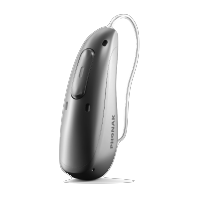
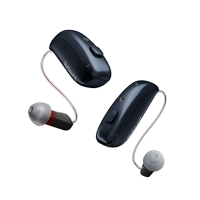
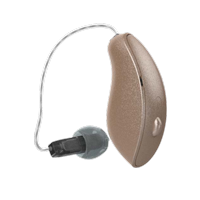
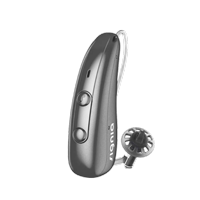
6. Hearing Aid Companion Apps
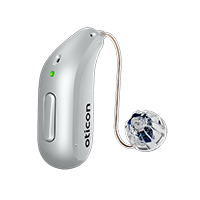
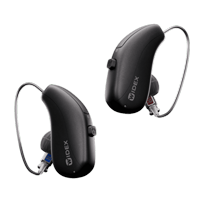
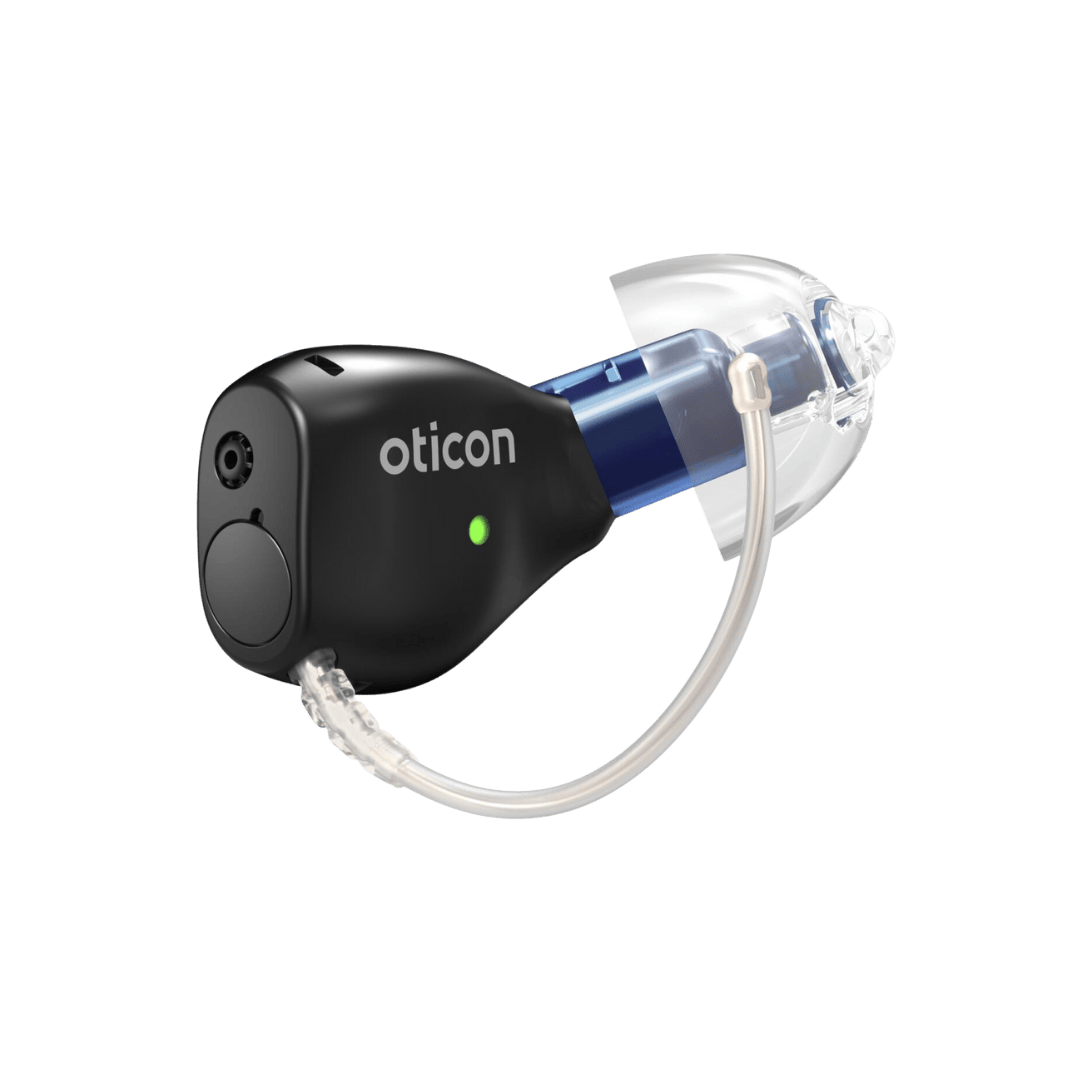
Many modern hearing aids have companion apps that let you adjust programs, sound generators, and streaming.
These can be powerful when paired with
Hearing Aids for Tinnitus.
Built-in maskers
If you’re curious about sound therapy in general, visit
Sound Therapy for Tinnitus and
Managing Tinnitus at Night.
Benefits & Limitations of Apps
Benefits
- Easy to access at home, work, or while traveling
- Helpful during difficult moments or bedtime
- Customizable sounds and routines
- Low cost (or free) compared to many therapies
- Can support habituation and coping skills
Limitations
- Do not replace a proper tinnitus and hearing evaluation
- May encourage “chasing” short-term relief instead of long-term strategies
- Too-loud use can worsen tinnitus or hearing
- Not all apps are evidence-based or designed by clinicians
We typically recommend using apps as part of a comprehensive plan that may also include hearing
aids, counseling, lifestyle adjustments, and in some cases
Tinnitus Retraining Therapy (TRT).
How to Choose a Tinnitus App
When choosing a tinnitus app in the Apple App Store or Google Play Store, consider:
- Purpose: Are you mainly looking for sleep support, daytime masking, relaxation, or education?
- Sound quality: Are the sounds smooth, looped well, and comfortable over longer listening periods?
- Customization: Can you blend sounds, adjust balance, or save your favorite mixes?
- Timer options: Especially important for bedtime and overnight use.
- Interface: Is it easy to adjust volume quickly and safely?
- Evidence & origin: Was it created with input from audiologists, psychologists, or tinnitus specialists?
- Cost structure: One-time purchase vs. subscription; free trials or limited versions.
If you’re unsure, we can discuss app options during your
tinnitus appointment and help match tools to your specific pattern and
lifestyle.
Safe Volume & Headphone Use
It’s possible to overdo sound—even soothing sounds. Safe use is especially important if you already have
hearing loss or sound sensitivity.
- Keep app volume at the lowest level that feels helpful, not the loudest you can tolerate.
- Aim for sound that blends with tinnitus rather than fully “blasting it away.”
- Be cautious with in-ear headphones or earbuds, especially if listening for long periods.
- Consider speakers, pillow speakers, or bedside sound machines as alternatives at night.
- Protect your ears properly in loud environments—see
Simple Steps to Protect and Preserve Your Hearing
.
If you feel physical discomfort, pain, or your tinnitus spikes after listening to any sound—even a soothing
one—reduce the volume, shorten listening time, or switch strategies. If symptoms persist, schedule an
evaluation.
For more on sound sensitivity, see
Misophonia & Hyperacusis (when that page is live).
Building a Bedtime & Daily Routine with Apps
Apps are most helpful when they’re part of a consistent routine, especially at night.
1. Choose a Calm Sound Profile
Pick a gentle, non-dramatic sound you don’t mind hearing for long periods. Many patients like soft rain,
ocean waves, or low-level white/pink noise.
2. Set a Comfortable Volume
Start lower than you think you need. Increase just until tinnitus feels less sharp or intrusive—but still
clearly audible if you listen for it.
3. Use a Timer or All-Night Mode
For bedtime, experiment with timers (e.g., 60–90 minutes) versus playing sound through the night. Many people
with nighttime tinnitus prefer all-night low-level sound.
4. Add Relaxation or Breathing Exercises
Combine sound with guided relaxation from the same app or from practices suggested in
Best Relaxation Techniques for Tinnitus Relief
.
5. Log What Works
Note which sounds, volumes, and routines help you the most. This can guide future adjustments and inform your
conversations with your audiologist.
You can pair this with other self-care ideas from
Lifestyle & Diet Tips for Tinnitus and
Tinnitus Relief Exercises.
How Apps Fit into Your Treatment Plan
Apps are just one part of a comprehensive tinnitus approach. At California Hearing Center, we often integrate
apps with:
-
Hearing aids and built-in sound generators when hearing loss is present – see
Hearing Aids for Tinnitus and
Can Hearing Aids Help with Tinnitus?
. -
Sound Therapy programs that use sound strategically throughout the day:
Sound Therapy for Tinnitus. -
CBT-based counseling and
tinnitus anxiety management to change your emotional response. -
TRT and habituation protocols such as
Tinnitus Retraining Therapy and
Understanding Tinnitus Habituation. -
Medical workup when needed for conditions like
Meniere’s disease,
TMJ disorders, or
medication-related tinnitus.
We’ll also look at your overall tinnitus pattern using the
Tinnitus Severity Assessment and your history captured during
What to Expect at Your Tinnitus Appointment.
Popular Ways Bay Area Patients Use Apps
Patients we see from San Mateo, San Carlos, and across the Bay Area often use apps to:
- Mask tinnitus in quiet home offices between remote meetings
- Transition from busy workdays in San Francisco or the South Bay into calmer evenings
- Create relaxing bedtime routines that combine sound, stretching, and breathing
- Practice brief mindfulness breaks during stressful workdays
- Track how caffeine, alcohol, and sleep impact their tinnitus
If you’re curious about lifestyle influences, you may find these articles helpful:
-
Does Caffeine Affect Tinnitus? – Research for Burlingame Patients
- Could Drinking Alcohol Affect Your Hearing?
-
Best Relaxation Techniques for Tinnitus Relief
Frequently Asked Questions About Tinnitus Apps
No app can cure tinnitus, but many can reduce how intrusive it feels and support
habituation. A proper evaluation is still essential to rule out
treatable causes and build a complete plan.
Both can be helpful. Tinnitus-specific apps may offer educational content and tracking, but many patients do
well with high-quality general sound or relaxation apps, especially when guided by their audiologist.
Not usually. Our goal is to help your brain learn that tinnitus is not a threat. Strategic use—during
difficult moments, quiet times, or bedtime—often works better than constant sound exposure.
Turn the volume down or try a different type of sound. If tinnitus consistently feels worse after sound
exposure, schedule an evaluation. We’ll explore whether sound sensitivity, hyperacusis, or another issue may
be present.
Set Up Your FREE Hearing Consultation with an Expert Today
SEE A HEARING DOCTOR IN SAN MATEO
San Mateo – Main Office
88 N. San Mateo Drive
San Mateo, CA 94401
Phone: (650) 342-9449
Fax: (650) 342-4435